THE FINER DETAILSProduct details
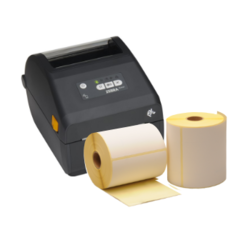
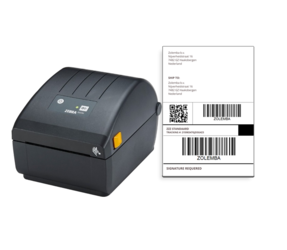
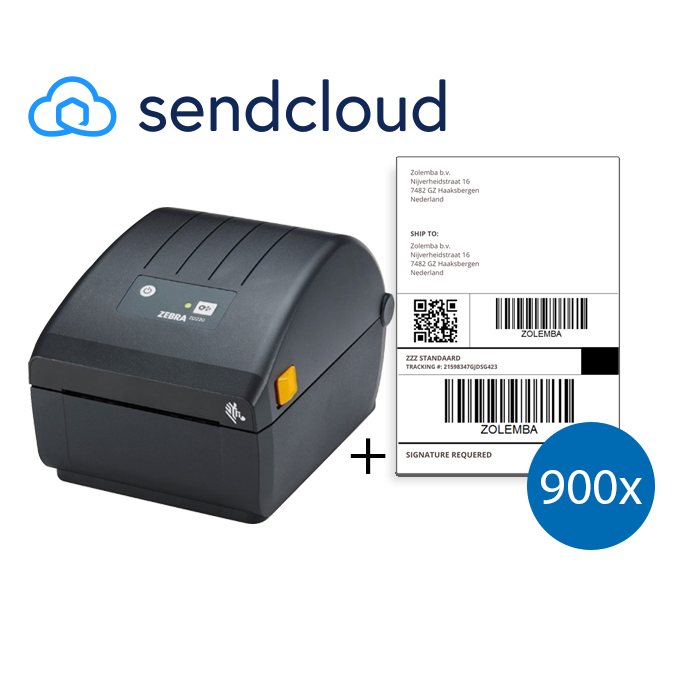
All your UPS labeling needs all in one convenient package. With a Zebra label printer + 900 (4' x 6') shipping labels you are ready to easily print, stick and ship! In this package, you will receive a Zebra ZD220D label printer with the correct shipping labels used for UPS. These labels are made of thermal material and have a permanent adhesive strength. This printer has both EPL and ZPL programming languages for you to easily control the printer. The printer also prints in a resolution of 203 dpi to always ensure professional and legible labels. Thanks to the large memory of the Zebra ZD220 label printer, you can store more fonts, graphics, and predefined labels. The ZD220 is easy to install and ready for use with a USB. The printer has a parallel, serial and USB port. The ZD220 is suitable for PC; compatible with Windows Vista, Windows 7, Windows 8 and Windows 10. * There is no official driver and support for this printer for Mac computers/ operating systems. A compatible driver can be installed via Cups to use and control the printer. If you have any questions on how to use Cups, please get in contact with one of our customer support agents.
- Brand
- Zebra