A considered way to shop. Discover · Compare · Choose
The shop directory ↗
Home›Computers & accessories›StarTech.com 1.6ft (50cm) USB-C Charging Cable. Charge & Sync. 60W
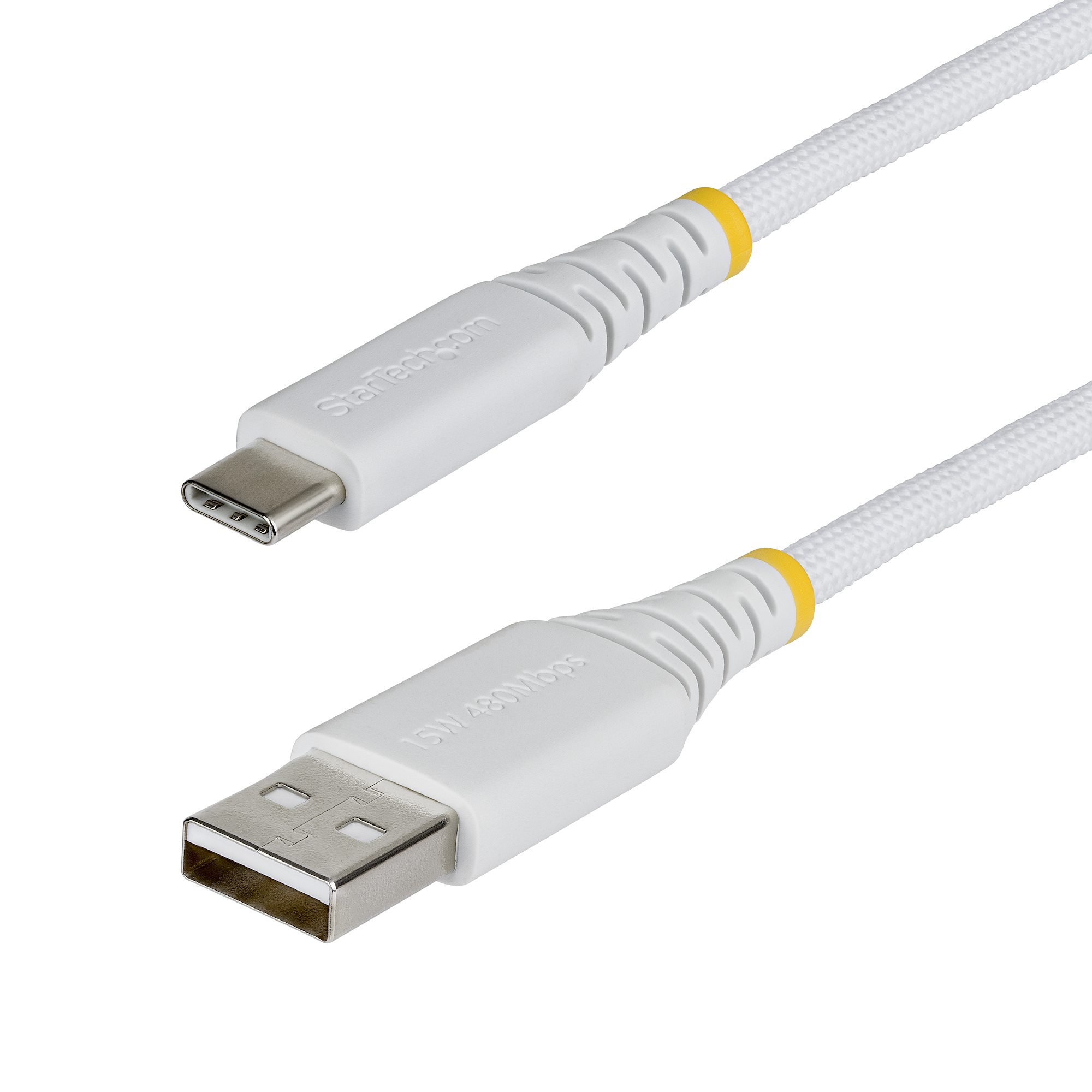
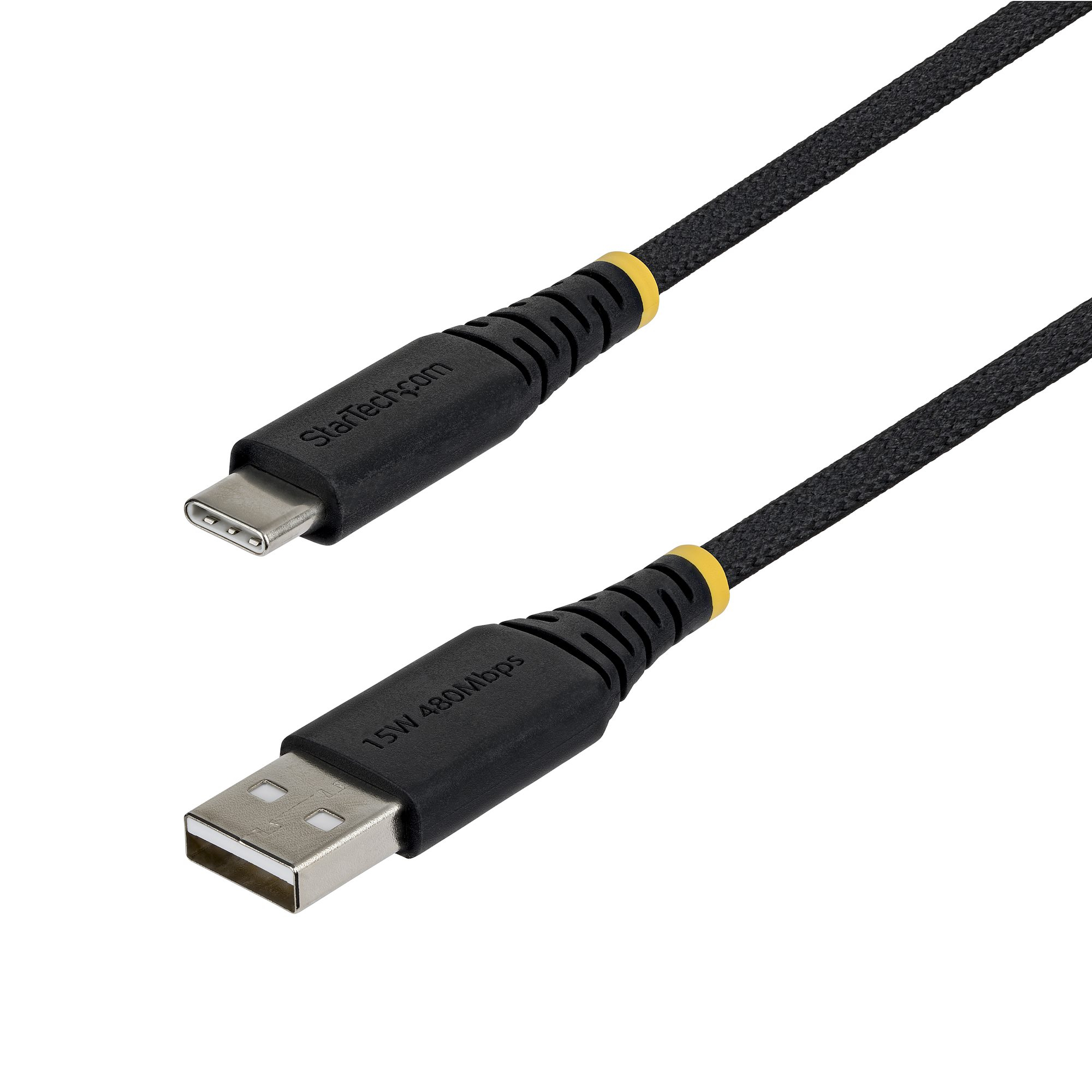
StarTech.com 1.6ft (50cm) USB-C Charging Cable. Charge & Sync. 60W
A LITTLE COMPARISON GOES A LONG WAY

StarTech.com 1.6ft (50cm) USB-C Charging Cable. Charge & Sync. 60W

Explore StarTech.com →
LOWEST LISTED PRODUCT PRICE
£11.83

at PCHUB.UK · 1 shop

Listed delivery: £0.00 · Total £11.83

Visit best offer Affiliate link · Buy directly from the retailer
Compare all 1 offers ↓

Price data received 19 Nov 2026 14:14

COMPARE BEFORE YOU CHOOSE

Prices & shops

1 shop

Sorted by product price. Delivery is shown separately and may depend on your address, delivery method and basket.

PCHUB.UKLowest product price · Availability not suppliedListed delivery: £0.00 · Total £11.83Price data received 19 Nov 2026 14:14
£11.83
View offer ↗

We show offers from partner shops. Confirm the final price and availability with the retailer before ordering.

THE FINER DETAILS

Product details

Charge your USB 2.0 USB-C devices. with reduced clutterThis USB-C™ to USB-C cable makes it easy to charge and sync your USB 2.0. USB Type-C™ mobile devices using the USB-C port on your computer.The cable is also compatible with Thunderbolt™ 3 ports. which means you can charge and sync your USB-C mobile devices using your Thunderbolt 3 laptop.Charge and sync your USB 2.0 mobile devices while you’re on the roadThis non-standard 0.5-meter cable is great for close-range connections to charge and sync your USB Type-C mobile devices with your laptop.You can also use the cable to charge your USB-C devices from a USB-C wall charger. car charger or power bank. It’s the ideal cable for commuters for in-car use or to reduce clutter when syncing with your laptop.Power your laptopWith up to 3A of power output. you can use this USB Type-C cable to power a USB-C laptop. such as your Apple MacBook or Chromebook Pixel™. Simply connect the cable to your USB-C laptop and to a USB-C wall charger.Keep as a spare while travelingReplace the USB-C charging cable that came with your device. or keep one as a spare while you’re traveling. so that all of your devices will be ready to use whenever you need them while you’re on the road.
Language
en_GB

Maybe also: